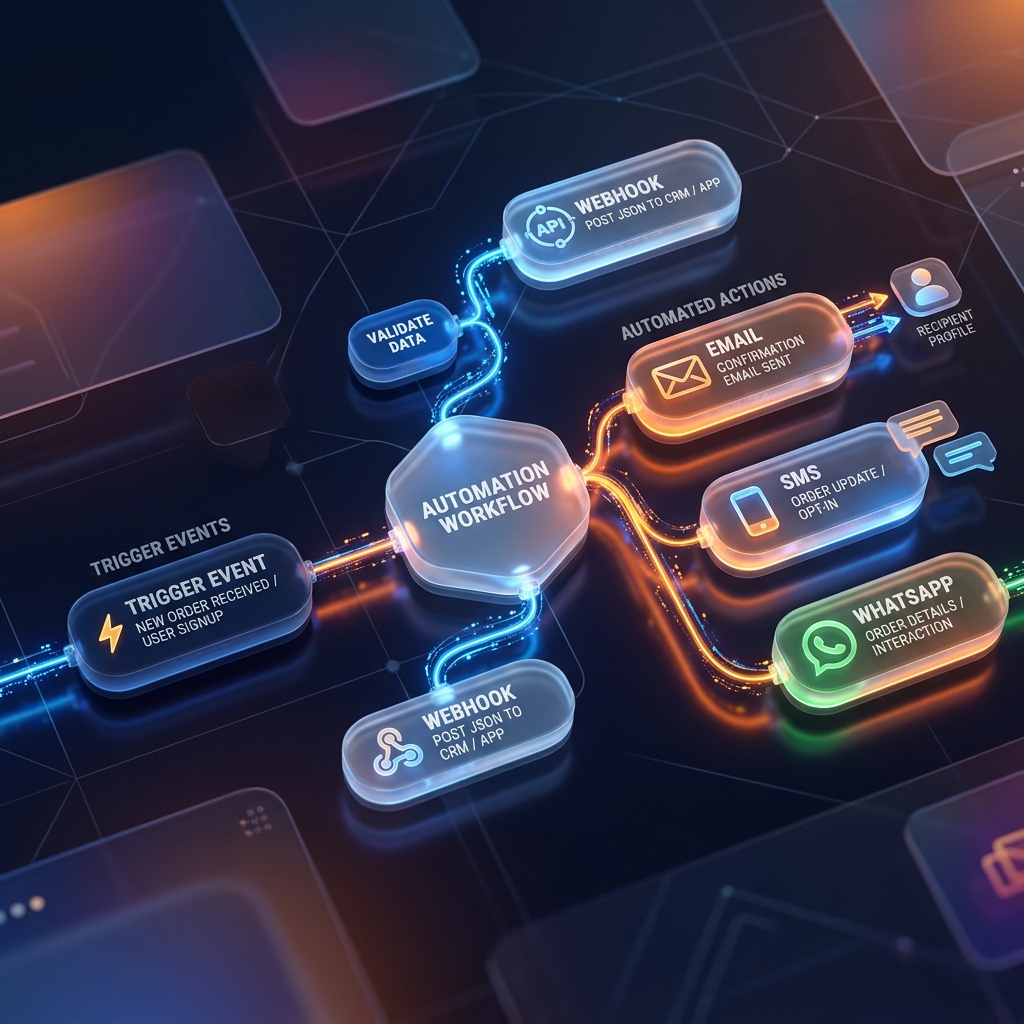
Most small businesses do not need more automation buttons. They need a workflow automation CRM that tells the team what happens next and does the routine follow-up safely.
The real question is not whether the system can send a message. The real question is whether the workflow knows the customer stage, the business hours, the right channel, and what should happen if the lead still does not respond.
Why small businesses struggle with automation
Automation often fails because teams buy one tool for email, one for WhatsApp, one for AI calling, and one for tasks, then try to make them behave like one system. The result is delay, confusion, and low trust.
A stronger approach uses one automation layer tied to the same CRM lifecycle so each step knows the customer, stage, and next action.
The stages that matter most
Good workflow automation should reflect the business lifecycle. New, contacted, qualified, won, lost, and post-sale support are not identical states, so they should not receive identical automation.
- New: instant reply, first qualification, and handoff
- Contacted: reminders, objection handling, and nudges
- Qualified: proposal support, decision timing, and follow-up
- Won: onboarding, feedback, and retention
- Support: escalations, reminders, and service continuity
What channels should be inside the same workflow
The best workflow automation CRM coordinates multiple channels around the same customer. A WhatsApp template may start the conversation, email may carry the detail, AI calling may help at a key stage, and tasks may alert the team when personal intervention is needed.
That is why buyers should compare the full channel stack instead of only asking whether one channel exists.
- WhatsApp for fast conversational follow-up
- Email for longer detail and documentation
- AI calling for stage-specific voice follow-up
- Tasks and reminders for human intervention
- Support routing when the issue becomes service-related
Why timing control matters more than more messages
A poor workflow can contact customers at the wrong time and damage trust. A better system respects business hours, wait steps, right-time logic, and test versus live mode so the automation feels intentional.
This is one of the most practical reasons to review whether the platform has clear live status, waiting status, and test-mode behavior before you rely on it for real leads.
How KelBrix fits the small-business use case
KelBrix is built around the idea that automations should stay connected to the full stack. Lead capture can begin from Digital Cards, sales can move through CRM and pipeline, messaging can continue via campaign channels, and unresolved issues can move into Support without losing context.
That matters more to small teams than having the most complicated workflow builder on the market.
The safe rollout rule
Start with one stage, test on a handful of internal contacts, confirm the WhatsApp, email, AI calling, and waiting behavior, then open the same validated structure to real customers.
Businesses that skip this usually lose confidence in automation not because the idea is wrong, but because the first live experience was messy.
Frequently Asked Questions
What is a workflow automation CRM?
It is a CRM that can move customers through reminders, messages, stage changes, tasks, AI calling, and service follow-up automatically while keeping those actions tied to the same customer record.
Why is test mode important before live automation?
Test mode lets the team verify timing, templates, variables, channels, and stage logic on internal or limited contacts before real customers enter the workflow.
Should automations stop after the sale?
No. Strong automation should also support onboarding, issue follow-up, reminders, renewals, and retention so the customer lifecycle does not break after conversion.
Share this article