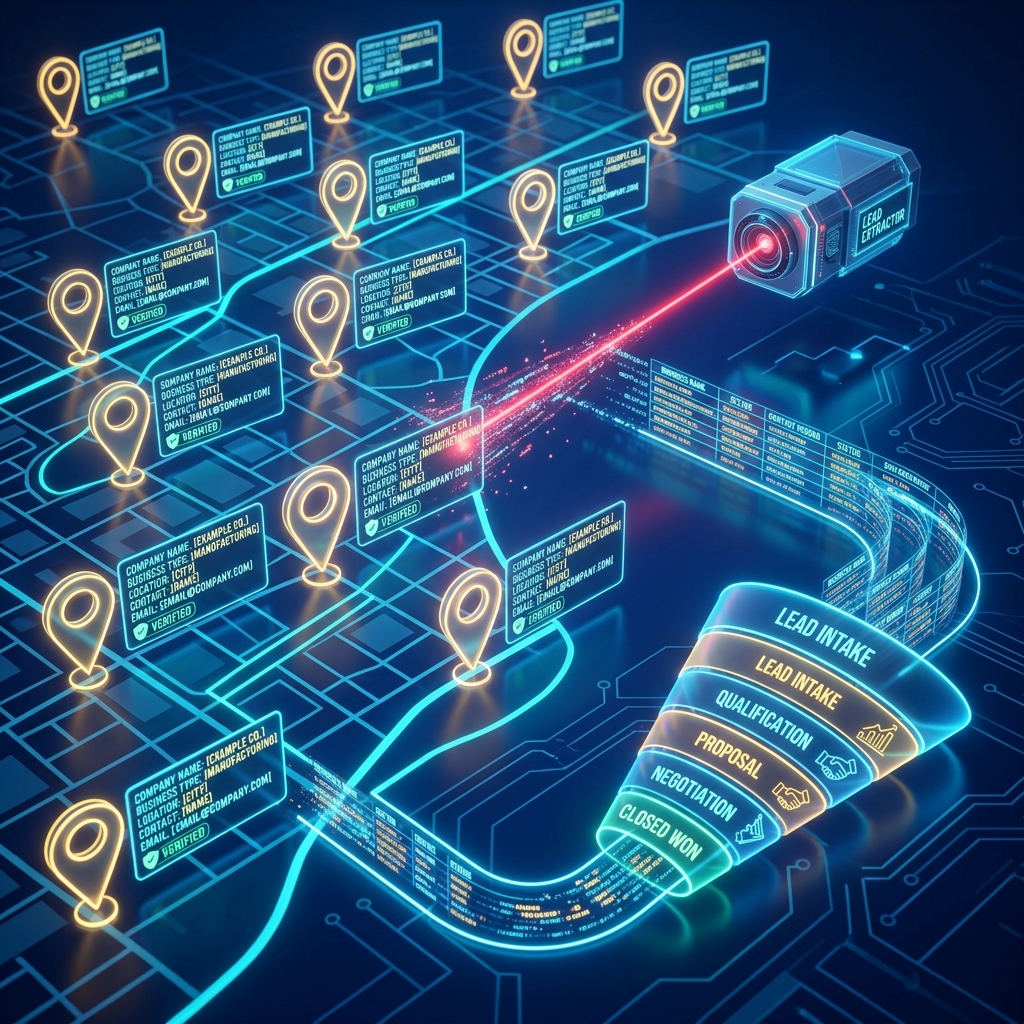
Finding fresh B2B leads is usually a slow, tedious task. Sales teams spend hours browsing directories, copy-pasting contact details, and downloading scattered CSV files that end up messy and out-of-date.
What if you could search for any business niche in a specific city, extract verified emails, phone numbers, and website audits, and load them directly into your WhatsApp CRM pipeline in under two minutes? In this guide, we show you exactly how to do it in three simple clicks.
Step 1: Enter your business niche and target location
The journey starts directly inside the CRM. Instead of opening external scraping tools or hiring developers to build scripts, you navigate to the built-in Lead Finder tab.
Simply enter the niche you want to target (e.g., "Web Development Agencies", "Dental Clinics", or "Boutique Hotels") and specify the location (e.g., "Mumbai", "Bangalore", or "Delhi"). The native extractor queries Google Maps databases in real-time to locate every matching business listing.
Step 2: Scrape details, emails, and website audit insights
Google Maps listings contain name, address, and phone numbers, but they often lack email addresses or detail whether the business has a broken website. Standalone scrapers like Outscraper or PhantomBuster charge high monthly credits just to scan external domains.
KelBrix’s scraper does this verification automatically. It visits the listing website, extracts public emails and social handles, checks site health (like missing SSL certificates or load speed bottlenecks), and flags if they have an active WhatsApp number.
- Identifies verified business email addresses
- Flags active WhatsApp numbers for direct chat
- Runs background website speed and SEO checks
- Saves social profile links (LinkedIn, Instagram, Facebook)
Step 3: Sync to your CRM pipeline and trigger WhatsApp outreach
This is where the magic happens. Instead of exporting a CSV file, cleansing columns, and manually mapping columns into an external CRM like Zoho or HubSpot, you just click the "Sync to CRM" button next to your search results.
The leads instantly populate your visual sales pipeline, complete with their name, role, email, phone, and audit notes. From there, you can immediately initiate a follow-up: click-to-call, a personalized email drip, or a pre-approved WhatsApp campaign template.
By linking the lead extraction with the Google Maps lead finder directly to WhatsApp CRM workflows, you close the gap between finding a prospect and starting a relationship.
Frequently Asked Questions
Is it legal to scrape business details from Google Maps?
Yes, extracting publicly available business information listed on Google Maps (like name, address, website, public phone number) is legal for B2B outreach purposes, provided you comply with local spam laws (like DND registries in India or GDPR in Europe) during outreach.
Do I need to export CSV files to sync scraped leads to the CRM?
No. Standalone scraping tools force you to download spreadsheets and manually import them. KelBrix features an integrated B2B Lead Scraper that syncs prospects directly to your sales pipeline with one click.
How do I start cold outreach to the scraped leads?
Once the leads are synced into KelBrix CRM, you can trigger automated WhatsApp templates, custom email drip sequences, or route them to AI voice calls directly from their contact profile.
Share this article