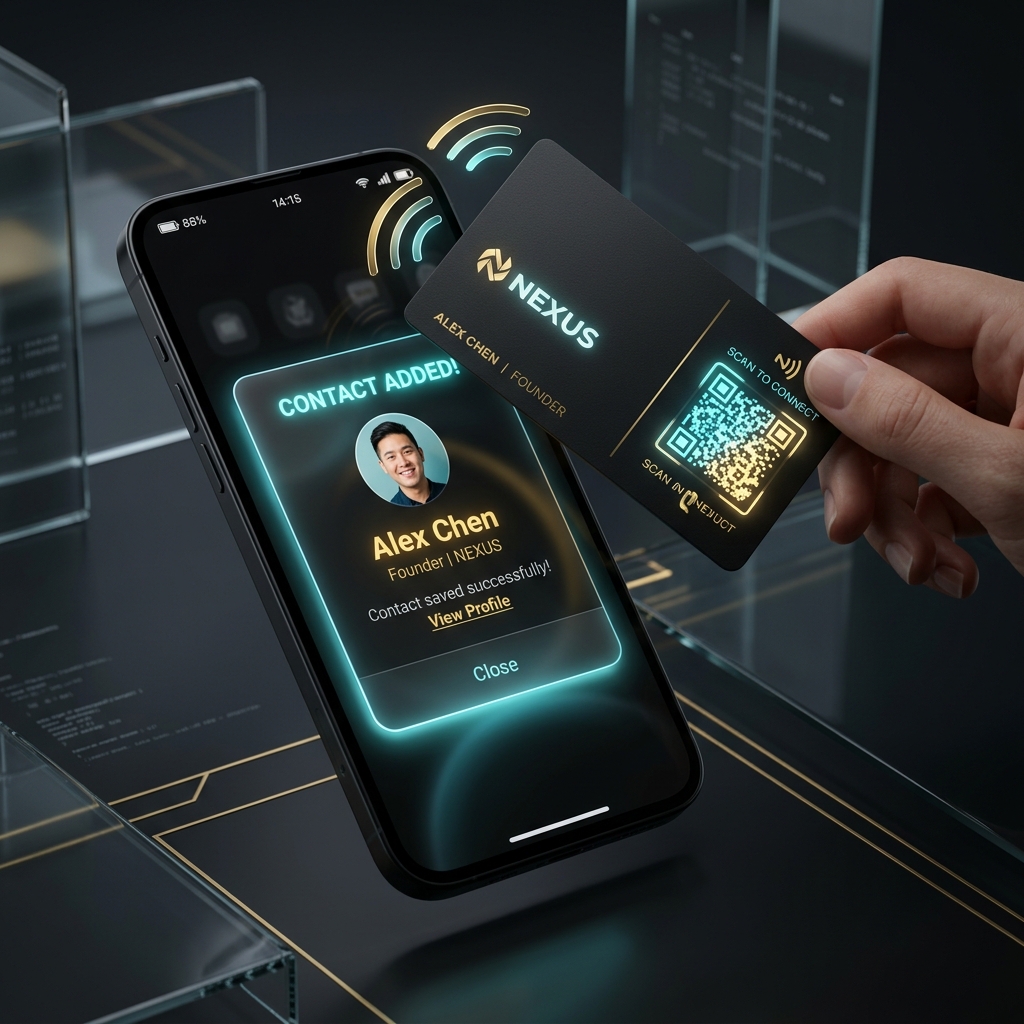
A digital visiting card with QR and NFC looks easy to buy because most products show the first impression well. The challenge is that buyers often compare only the sharing moment and forget to compare the business workflow after that moment.
That is why the better question is not whether the card can be tapped or scanned. It is whether the tap or scan creates a useful next step for the business.
Check the save-contact and contact-sharing experience first
The first job of a digital visiting card is simple: make it easy for the visitor to save the contact, view the brand cleanly, and take the next action without confusion. QR and NFC should reduce friction, not add setup complexity.
This is also why the public digital card feature page matters. It shows whether the product is thinking beyond profile design into real lead action.
Compare what happens after the tap
A polished card is only half the story. Buyers should compare whether the card supports lead capture, booking, payment actions, wallet support, or CRM follow-up. The more of that flow the platform owns, the more useful the card becomes to a sales-driven business.
If the product stops at contact sharing, the business still needs another system for the actual revenue workflow.
- Contact form or lead capture on the card
- QR and NFC both available
- Wallet-ready or easy mobile save flow
- CRM handoff after the interaction
Use comparison pages to judge the post-scan workflow
This is where digital-card comparison pages become useful. Buyers researching alternatives should look at pages like KelBrix vs TapOnn, KelBrix vs Blinq, or KelBrix vs HiHello to see how the card layer connects to CRM, WhatsApp follow-up, and campaigns.
That comparison is especially important when the business wants the card for field sales, events, local networking, or team rollouts.
The best buyer decision depends on what you need next
If the goal is only a premium card experience, a standalone card product may be enough. If the goal is to capture leads, respond faster, and move them into sales follow-up, the card should connect to something larger.
That is where a stack with built-in CRM or a clean path into follow-up becomes more valuable than a card-only tool.
Treat pricing as a workflow question, not a design question
The price of a card tool only looks low if the business ignores the second and third tools required after the first scan. Buyers should compare the total monthly story, not just the price of the profile page or NFC accessory.
That is why pricing and comparison pages should be reviewed together. It helps teams decide whether they are buying a card or buying a lead pipeline entry point.
Frequently Asked Questions
What matters most in a digital visiting card with QR and NFC?
The real test is what happens after the scan or tap. Buyers should check contact saving, lead capture, follow-up workflow, and whether the card can grow into CRM instead of acting as a dead-end profile page.
Is NFC enough by itself?
No. NFC creates a smooth first impression, but the business still needs a strong mobile page, QR sharing, and a clear way to collect or follow up with leads afterward.
Why compare digital card tools against CRM-linked tools?
Because many buyers do not just need a card. They need the card to become part of the lead pipeline once someone taps, scans, or saves the contact.
Share this article